Tasks
Make it clear who owns what.
Assign work, track progress, and create repeatable checklists so every transaction moves forward with clear responsibility.
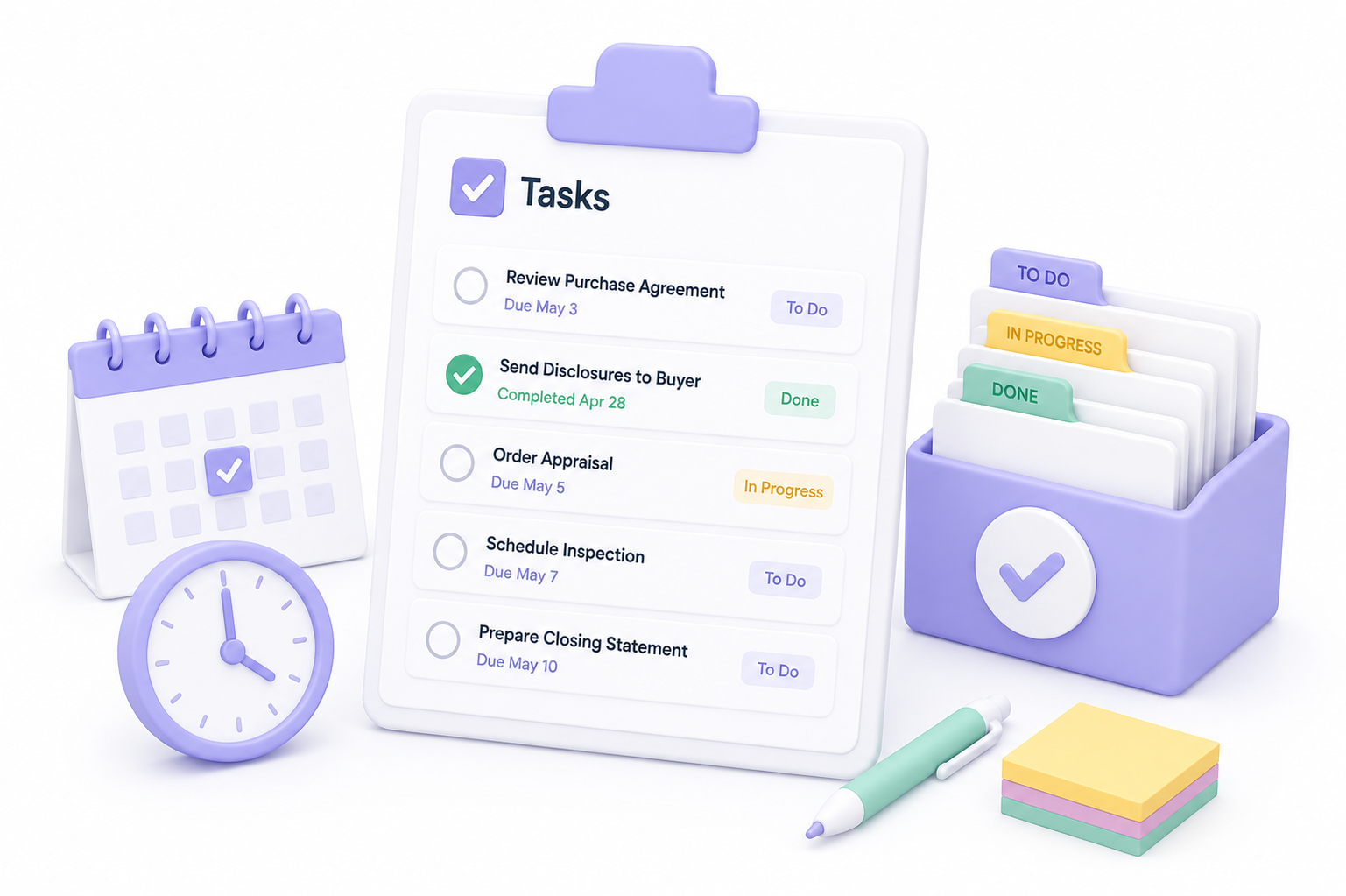
Make responsibilities clear so nothing falls through the cracks.
Make it clear who owns what.
Assign work, track progress, and create repeatable checklists so every transaction moves forward with clear responsibility.
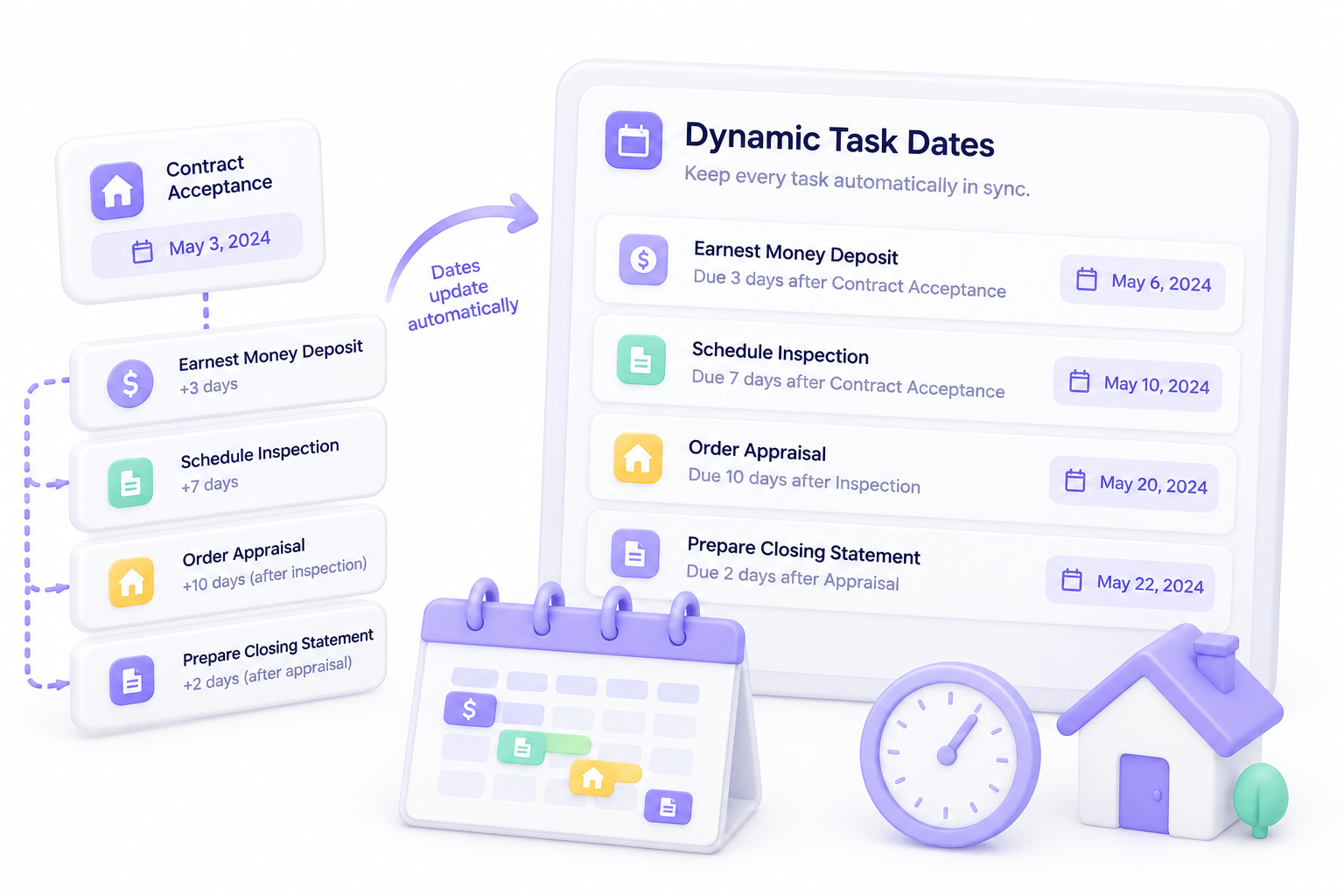
Keep every task automatically in sync.
Set task due dates relative to a property date or another task. For example, make Earnest Money due 3 days after Contract Acceptance, or trigger the next task 2 days after the previous one is completed.
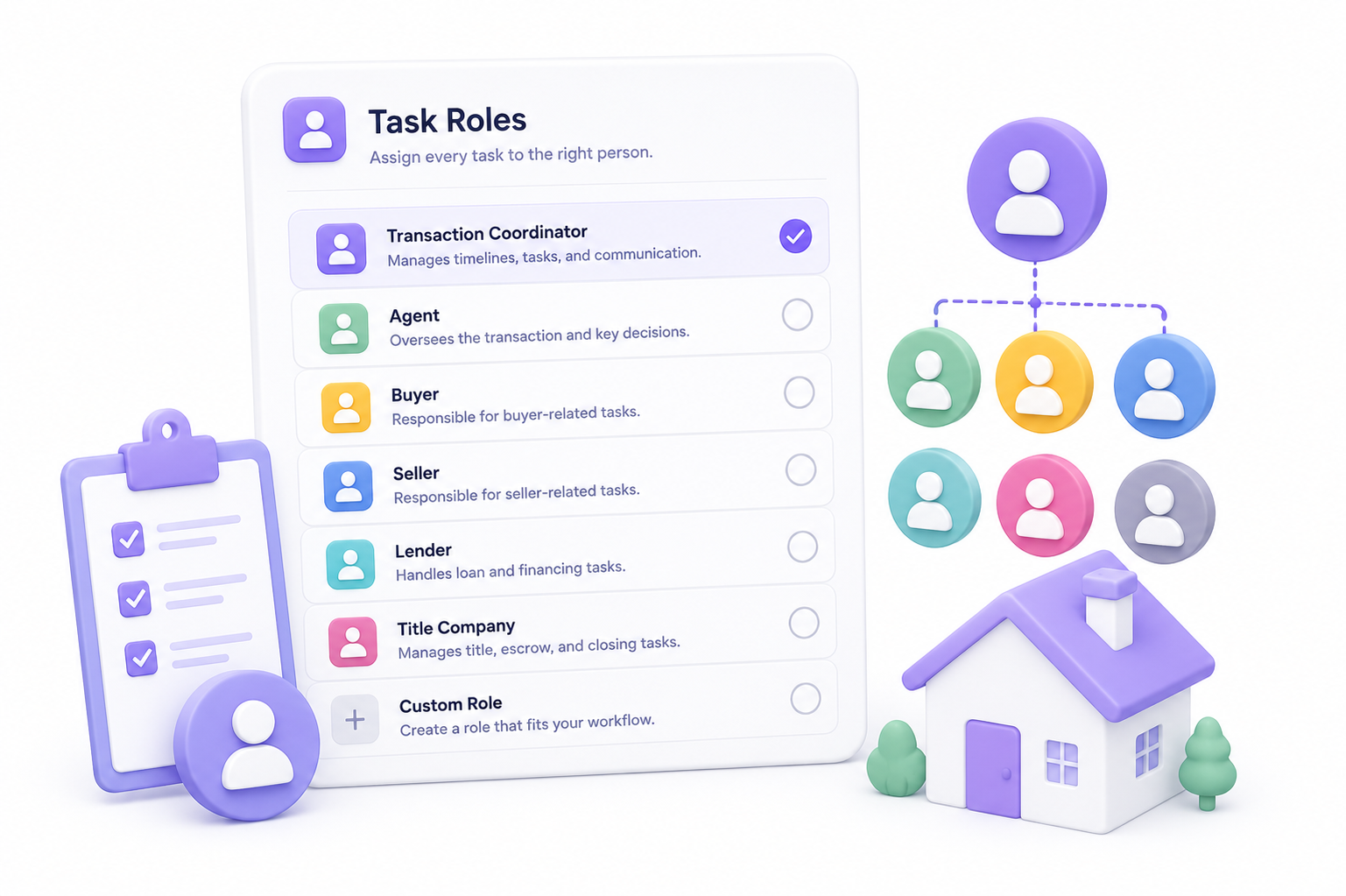
Assign every task to the right person.
Choose who is responsible for completing each task, whether it is a transaction coordinator, agent, buyer, seller, lender, title company, or any custom role.
Know which emails belong with each task.
Associate one or more emails with a task so required communication is sent before the task is marked complete.

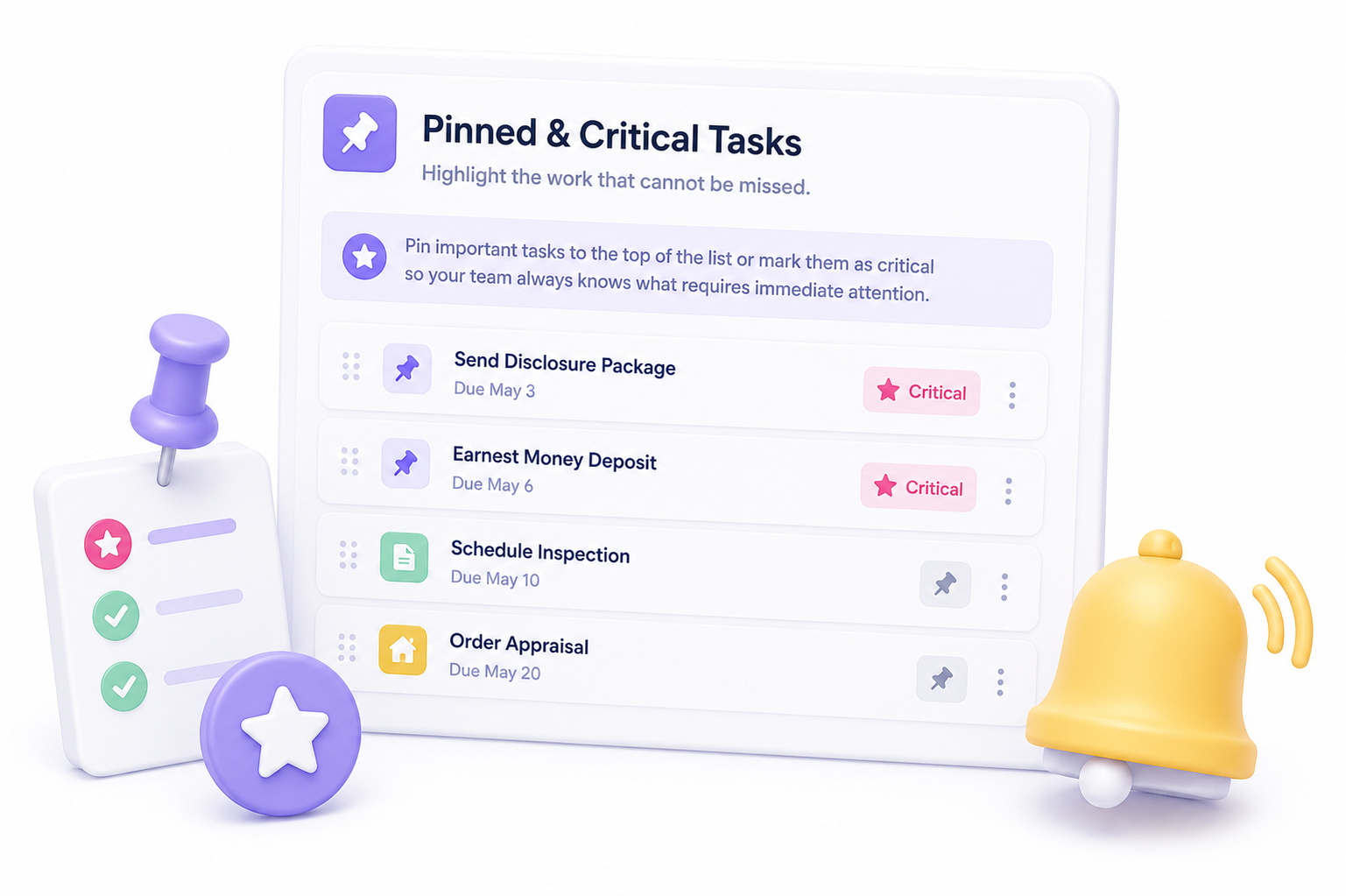
Highlight the work that cannot be missed.
Pin important tasks to the top of the list or mark them as critical so your team always knows what requires immediate attention.
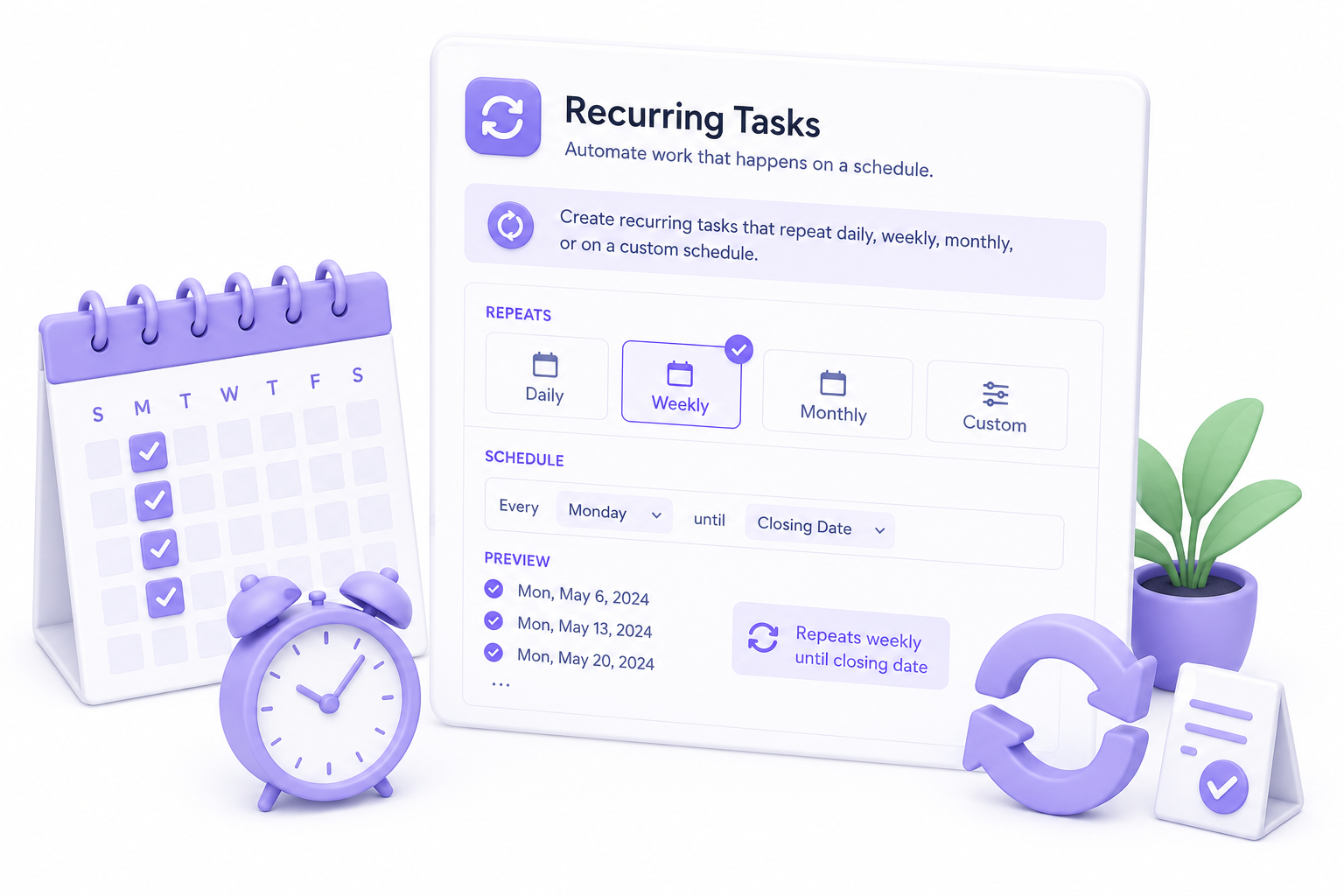
Automate work that happens on a schedule.
Create recurring tasks that repeat daily, weekly, monthly, or on a custom schedule, such as every Monday until the closing date.
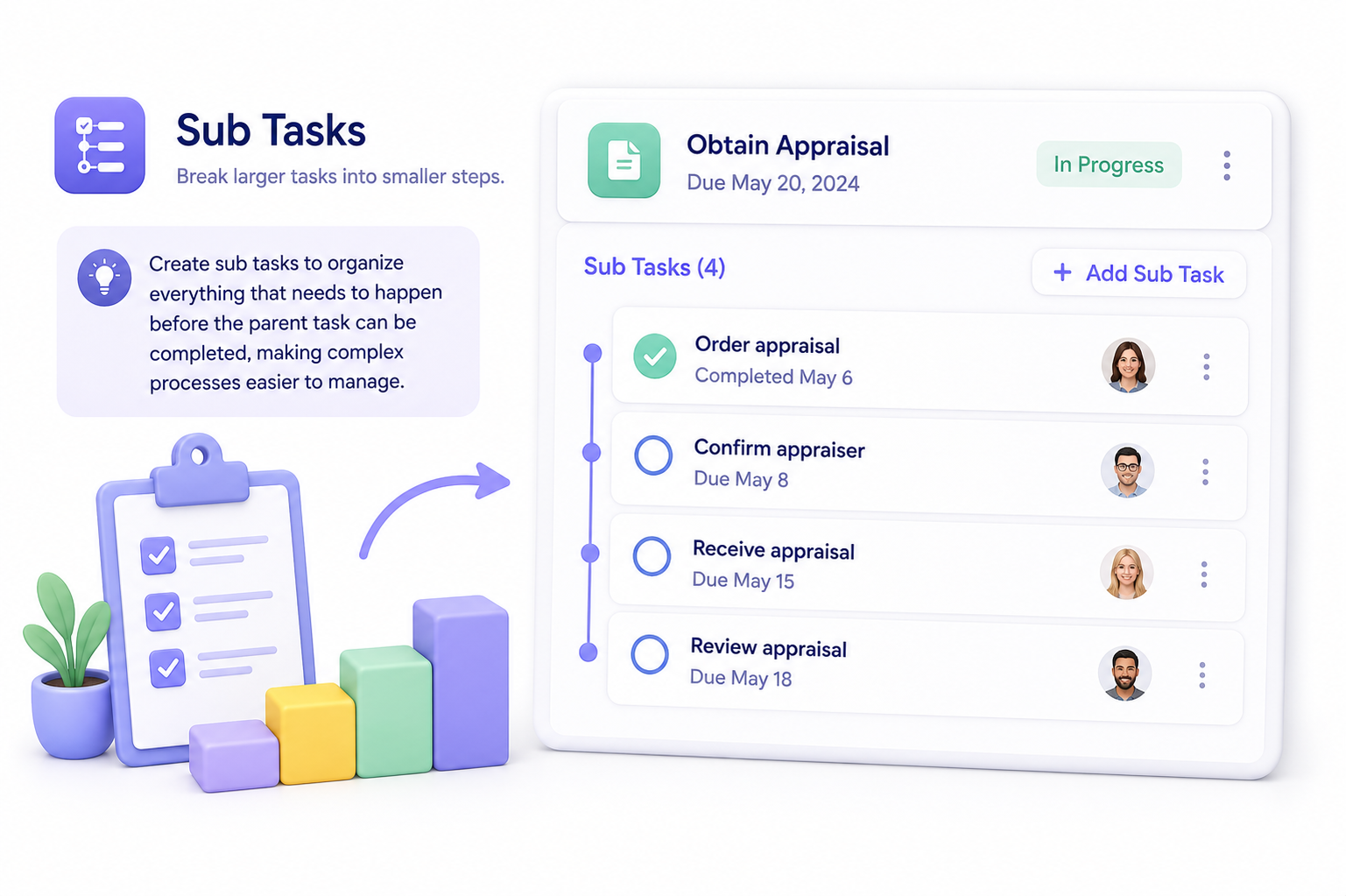
Break larger tasks into smaller steps.
Create sub tasks to organize everything that needs to happen before the parent task can be completed, making complex processes easier to manage.
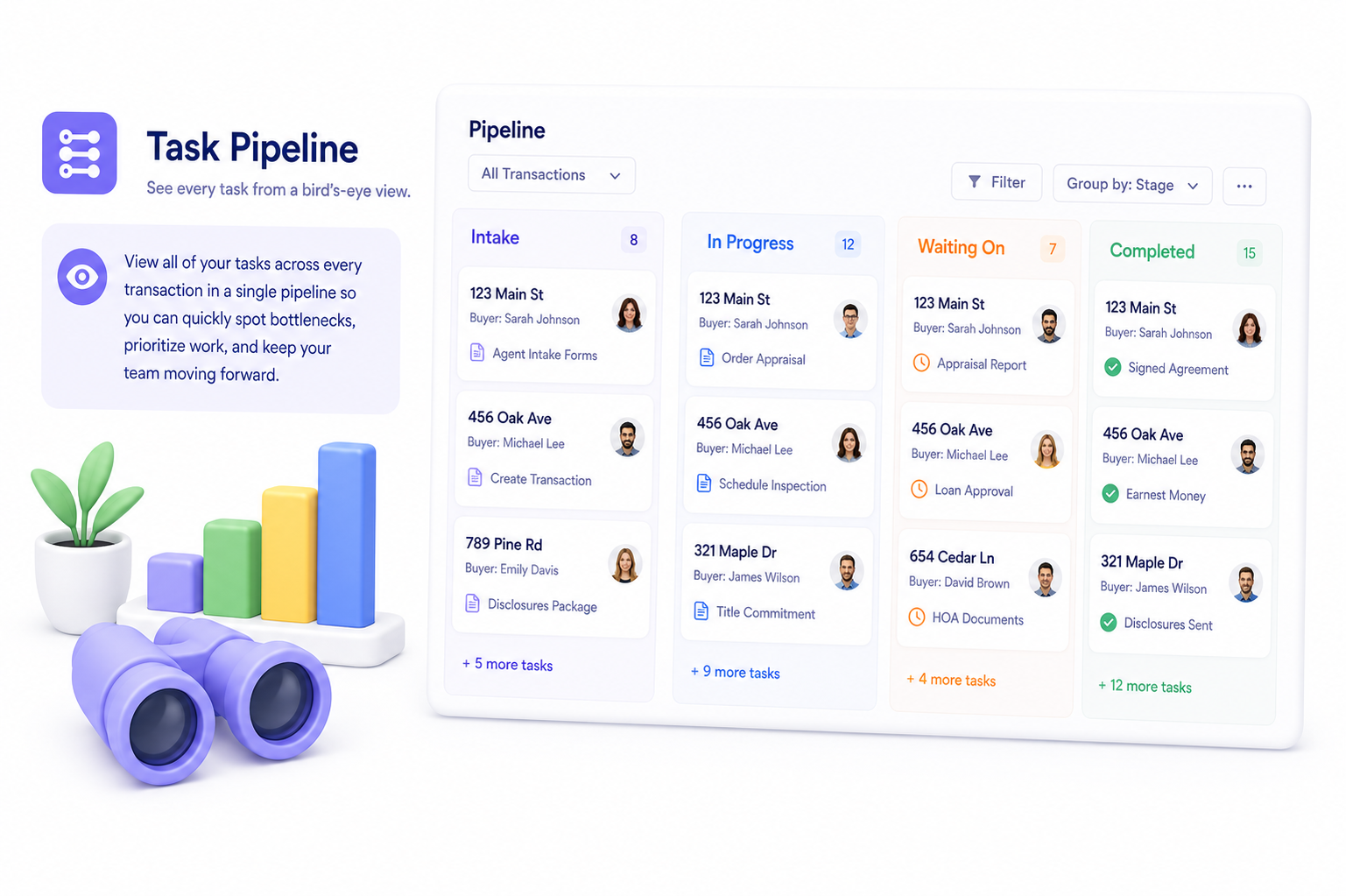
See every task from a bird's-eye view.
View all of your tasks across every transaction in a single pipeline so you can quickly spot bottlenecks, prioritize work, and keep your team moving forward.
Take a test run to see how Open To Close can power your transaction workflow.